
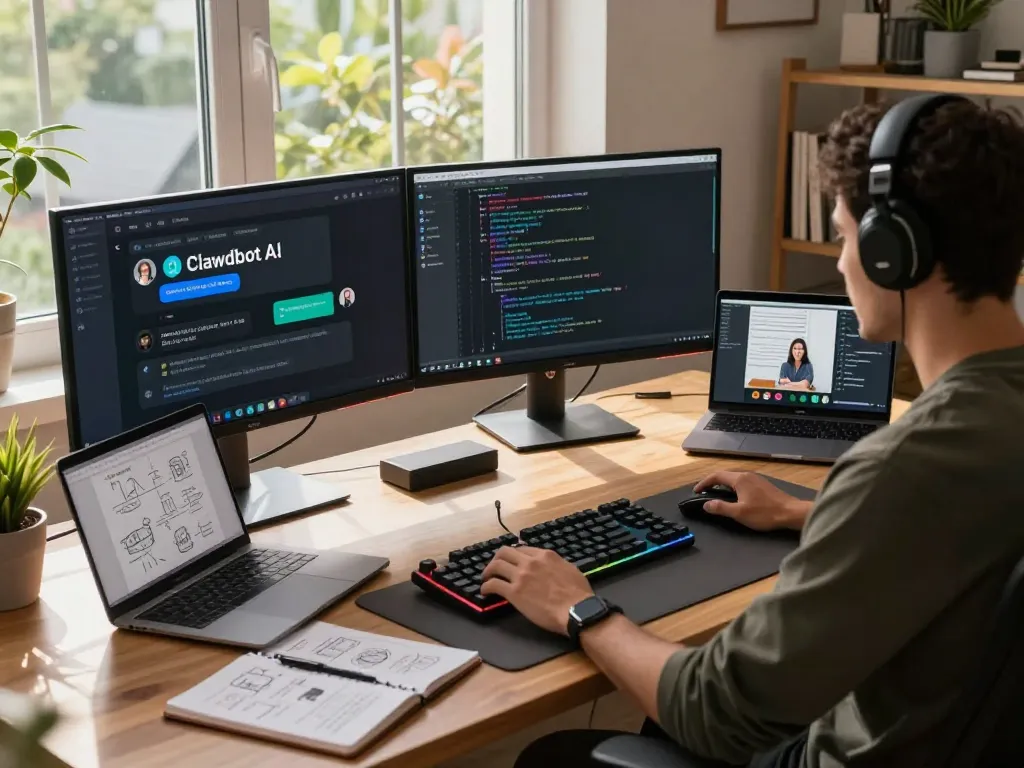
What is Clawdbot and How Does It Work?
In recent years, the demand for personal AI assistants has surged, driven by the desire for more efficient, streamlined, and personalized workflows. among the new players in this space is clawdbot, an innovative open-source solution that runs locally on your machine. Unlike traditional cloud-based assistants, Clawdbot integrates seamlessly with existing messaging platforms and automates real-world tasks, redefining the capabilities of personal AI. This article explores the core features of Clawdbot, its integration into daily tasks, and the technology that powers its functionality.
Understanding Clawdbot’s Core Features
At its core, Clawdbot is designed to enhance productivity by automating mundane tasks and facilitating smoother communication. Key features include:
- Multi-Platform Support: Clawdbot operates across major operating systems, including macOS, Windows, and Linux, ensuring accessibility for all users.
- Messaging Integration: It connects with popular messaging apps like WhatsApp, Telegram, and Discord, allowing users to interact with their assistant through channels they already use.
- Task Automation: Users can schedule reminders, manage emails, and control smart devices through simple chat commands, making it an indispensable tool for both personal and professional use.
- Privacy Focus: As a self-hosted solution, Clawdbot ensures that user data remains private and secure, stored locally on the user’s machine rather than on external servers.
How Clawdbot Integrates with Your Daily Tasks
Clawdbot’s true power lies in its ability to integrate into your workflows. By connecting to existing applications and tools, it can perform a range of tasks, such as:
- Sending and managing emails from within your messaging app.
- Updating your calendar and scheduling meetings with simple voice commands.
- Controlling smart home devices, such as lights and thermostats, directly from chat interfaces.
These integrations enable users to transition between tasks seamlessly, enhancing overall productivity.
The Technology Behind Clawdbot’s Functionality
Clawdbot leverages advanced AI models, including Claude and ChatGPT, as well as local machine learning models, to deliver a robust and efficient user experience. This flexibility allows users to choose the model that best fits their privacy, performance, and cost needs. The underlying architecture supports real-time interactions, ensuring that requests are processed quickly and efficiently. Furthermore, Clawdbot’s extensible plugin architecture allows developers to build custom skills, enabling further personalization and functionality.
Why Choose Clawdbot Over Traditional AI Assistants?
With numerous options available in the AI assistant landscape, it’s crucial to understand what sets Clawdbot apart from traditional solutions. This section provides a comparative analysis of Clawdbot and other AI solutions, highlighting the unique advantages of self-hosted models, and the emphasis on user control and privacy.
Comparative Analysis of Clawdbot and Other AI Solutions
Traditional AI assistants often rely on cloud processing, which raises concerns about privacy and data security. In contrast, Clawdbot processes data locally, providing users with greater control over their information. Here are some key differences:
- Data Privacy: Clawdbot’s self-hosting model means that user data is not stored on third-party servers, reducing the risk of data breaches and unwanted surveillance.
- Customization: Unlike traditional assistants that offer a one-size-fits-all approach, Clawdbot allows users to customize its functionalities, tailoring it to their specific needs and preferences.
- Cost-Effectiveness: By running locally, Clawdbot eliminates the need for subscription fees associated with many cloud-based AI solutions, making it a more economical choice for users.
Unique Advantages of Self-Hosted Solutions
Self-hosted AI presents unique advantages, particularly in terms of privacy and user control. By utilizing a self-hosted model, Clawdbot users can:
- Maintain complete ownership of their data, ensuring that no personal information is shared without consent.
- Customize the assistant’s functionality and capabilities to suit individual workflows, enhancing overall efficiency.
- Access the assistant even in low-connectivity situations, maintaining usefulness regardless of internet availability.
User Control and Privacy with Clawdbot
The focus on user privacy is a central tenet of Clawdbot’s design. Users can configure settings and manage integrations to ensure that their data remains protected. Additionally, memory retention systems allow Clawdbot to remember user preferences without compromising security, creating a more personalized experience that doesn’t involve cloud storage.
Use Cases for Clawdbot in Personal and Professional Settings
Clawdbot’s versatility makes it suitable for various applications, whether in personal life or professional environments. Below are some compelling use cases that illustrate how Clawdbot can enhance productivity and streamline tasks.
Streamlining Communication with Messaging Apps
Clawdbot seamlessly integrates with popular messaging platforms, enabling users to send emails, check calendar availability, and set reminders all from within their preferred chat app. This functionality not only saves time but also simplifies communication by consolidating various tasks into a single interface.
Automating Routine Tasks and Workflows
Many users find themselves performing repetitive tasks daily. Clawdbot can automate these workflows by executing complex sequences of actions with simple commands. For instance, it can handle the organization of files, the scheduling of meetings, or the management of to-do lists without user intervention, freeing up valuable time for more critical activities.
Clawdbot in Development and Creative Projects
Developers and creatives can leverage Clawdbot to enhance their productivity. By automating code deployment, managing version control through GitHub, or running scripts directly from their messaging app, users can focus more on innovation rather than administrative tasks. The ability to execute terminal commands from a chat interface also streamlines workflows significantly.
Getting Started with Clawdbot: Installation and Setup
Installing Clawdbot is a straightforward process that can be completed across various platforms. This section provides a step-by-step guide to setting up Clawdbot, ensuring that new users can get started without hassle.
Step-by-Step Installation Guide for Different Platforms
Clawdbot supports installation on macOS, Windows, and Linux. Users can select their preferred installation method, whether through a simple one-liner script or by building from the source. Here’s a quick breakdown of the installation methods:
- Quick Install: Running a single command installs all necessary dependencies and sets up Clawdbot for immediate use.
- Install via npm: For those with Node.js already installed, Clawdbot can be set up globally using npm or pnpm commands.
- Build from Source: Developers interested in modifying Clawdbot can clone the repository and build it themselves, ensuring flexibility and control over features.
Essential Configuration Options for Optimal Performance
Once Clawdbot is installed, users can optimize its performance by configuring various settings, including:
- Choosing the preferred AI model based on desired performance and privacy levels.
- Integrating with messaging apps to facilitate communication directly through preferred platforms.
- Setting up automation workflows for routine tasks to ensure maximum productivity.
Integrating Clawdbot with Existing Tools and Services
Clawdbot boasts compatibility with numerous tools and services, allowing users to integrate their favorite applications into the assistant’s workflow. Popular integrations include:
- Communication platforms: WhatsApp, Telegram, Discord, Slack, and more.
- Productivity tools: Gmail, Google Calendar, Notion, and Obsidian.
- Smart home services: Voice assistants and smart devices like Philips Hue and Google Home.
Future of AI Assistants: Trends and Predictions for 2026
As technology continues to evolve, the landscape of AI assistants is also changing. This section discusses emerging trends and predictions for AI assistants, particularly in the context of Clawdbot.
Emerging Technologies Impacting AI Development
Key advancements in AI, machine learning, and natural language processing are shaping the future of personal assistants. These technologies are enhancing the capabilities of AI systems, allowing them to perform more complex tasks with greater accuracy. Additionally, developments in privacy-preserving technologies will influence how personal data is handled in AI applications.
How Clawdbot is Positioned for Future Growth
With a focus on local processing and user privacy, Clawdbot is well-positioned to meet the growing demand for secure and efficient AI solutions. As privacy concerns continue to grow, self-hosted systems like Clawdbot will become increasingly appealing to users seeking control over their data and workflows.
Expectations from AI Assistants in Everyday Life
Users are likely to expect more from their AI assistants in the coming years, including improved functionality, increased personalization, and greater ease of use. Clawdbot’s ongoing development and community contributions ensure that it will adapt to meet these changing expectations, providing users with a powerful tool for managing their daily tasks and enhancing productivity.
What is Clawdbot used for?
Clawdbot is designed to support a variety of tasks, from managing emails to controlling smart devices, making it an essential tool for both personal and professional workflows.
Is Clawdbot safe for personal data?
Yes, Clawdbot is built with user privacy in mind, operating on a self-hosted model that keeps your data securely stored on your machine.
Can Clawdbot operate without an internet connection?
Clawdbot can work offline when utilizing local AI models, but cloud-based models will require an internet connection for functionality.
What platforms is Clawdbot compatible with?
Clawdbot supports macOS, Windows, and Linux operating systems, ensuring accessibility for a wide range of users.
How to optimize Clawdbot for specific tasks?
Users can optimize Clawdbot by configuring its settings for preferred AI models, integrating with specific tools, and setting up automation workflows tailored to their unique needs.